> ## Documentation Index
> Fetch the complete documentation index at: https://docs.magicmealkits.com/llms.txt
> Use this file to discover all available pages before exploring further.
# Stop or reinstall the service
> Use this when you want to stop the Magic Meal Kits service in your Google Cloud project, or reinstall it — including the billing prerequisite for a successful reinstall.
You can stop the Magic Meal Kits service at any time and reinstall it whenever you like.
## Stop the service
Sign in at
[make.magicmealkits.com/google-connection](https://make.magicmealkits.com/google-connection).
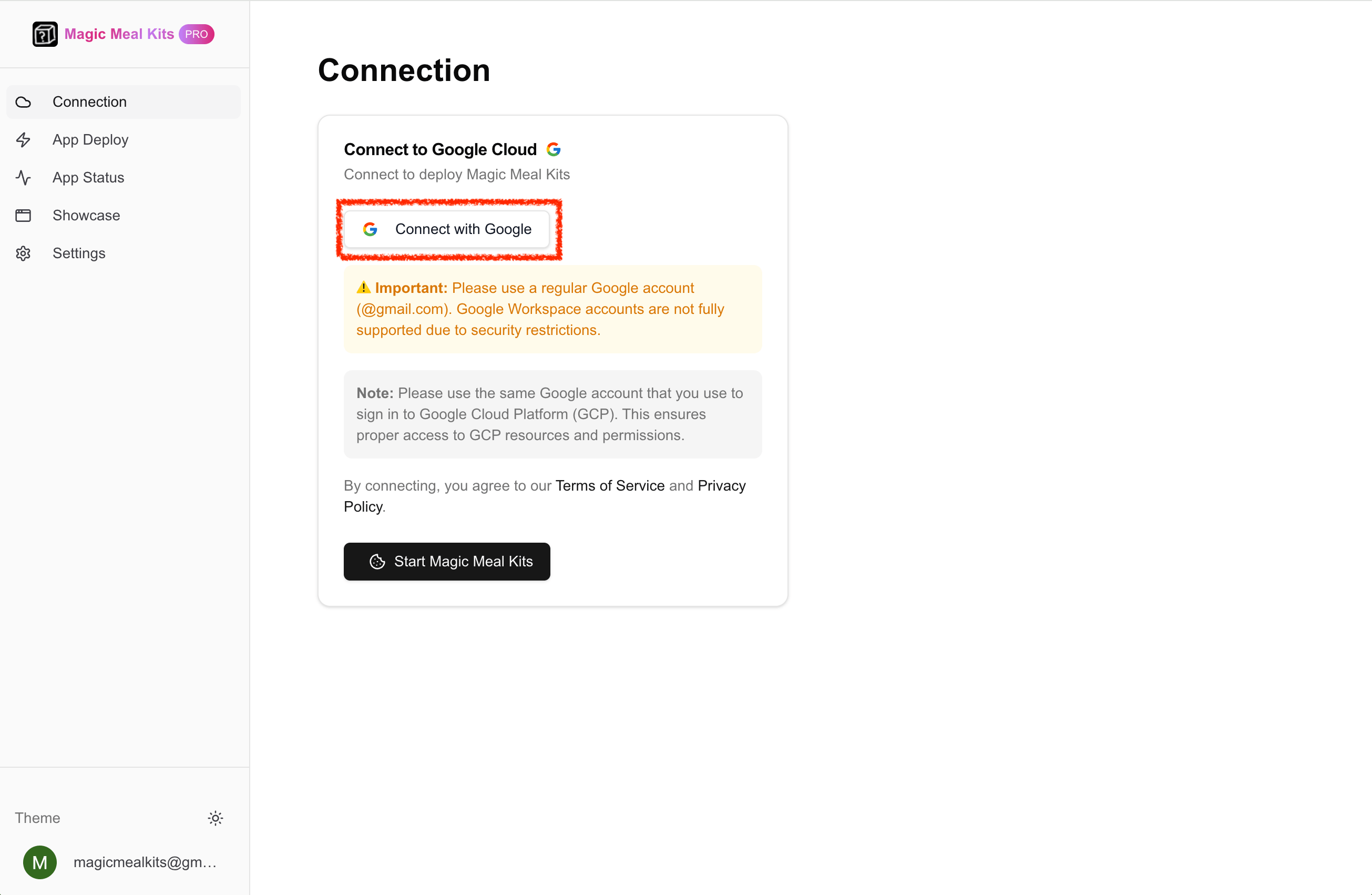 If you're already signed in, you'll see a screen like this.
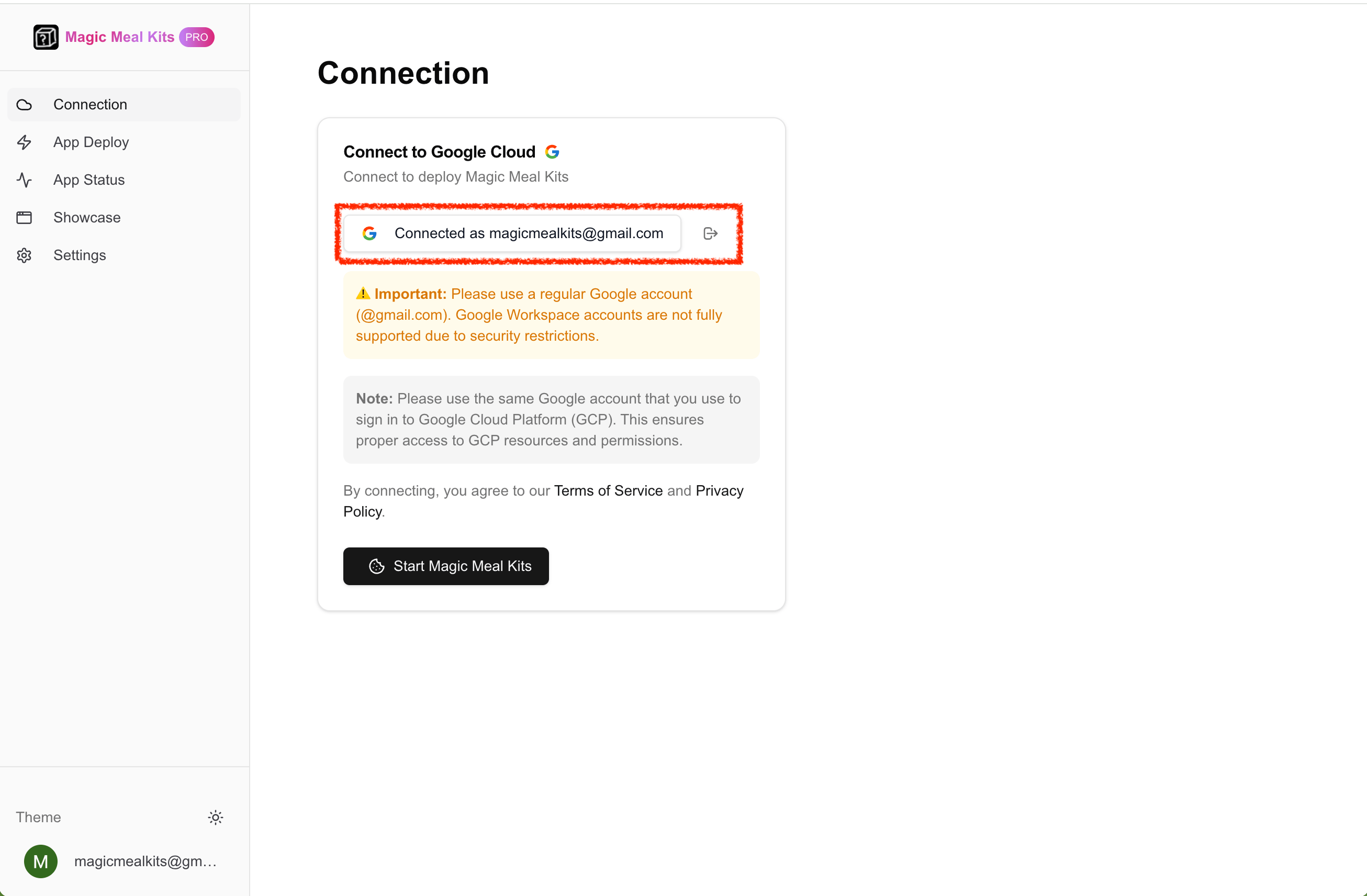 Go to [make.magicmealkits.com/app-status](https://make.magicmealkits.com/app-status).
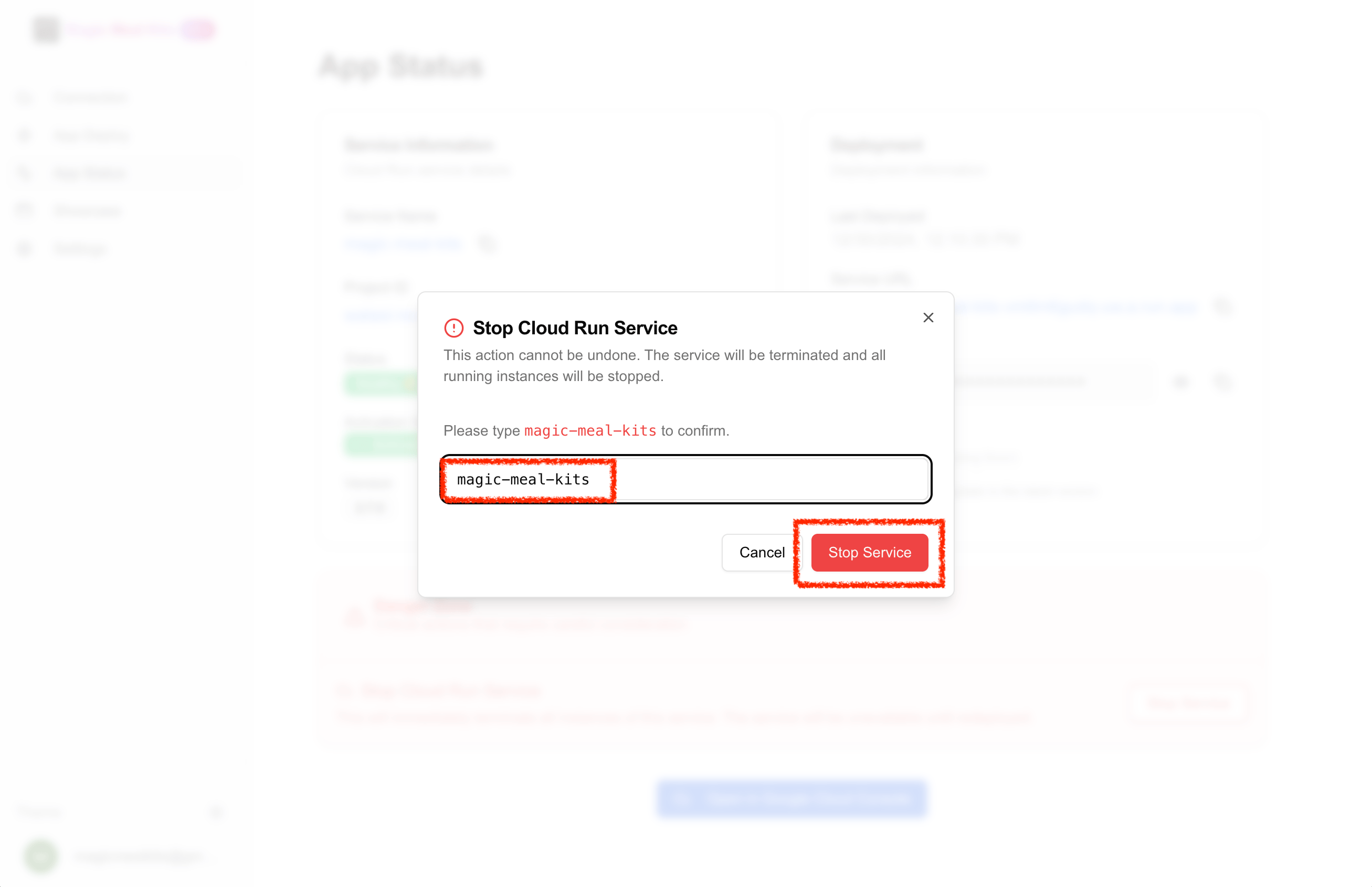
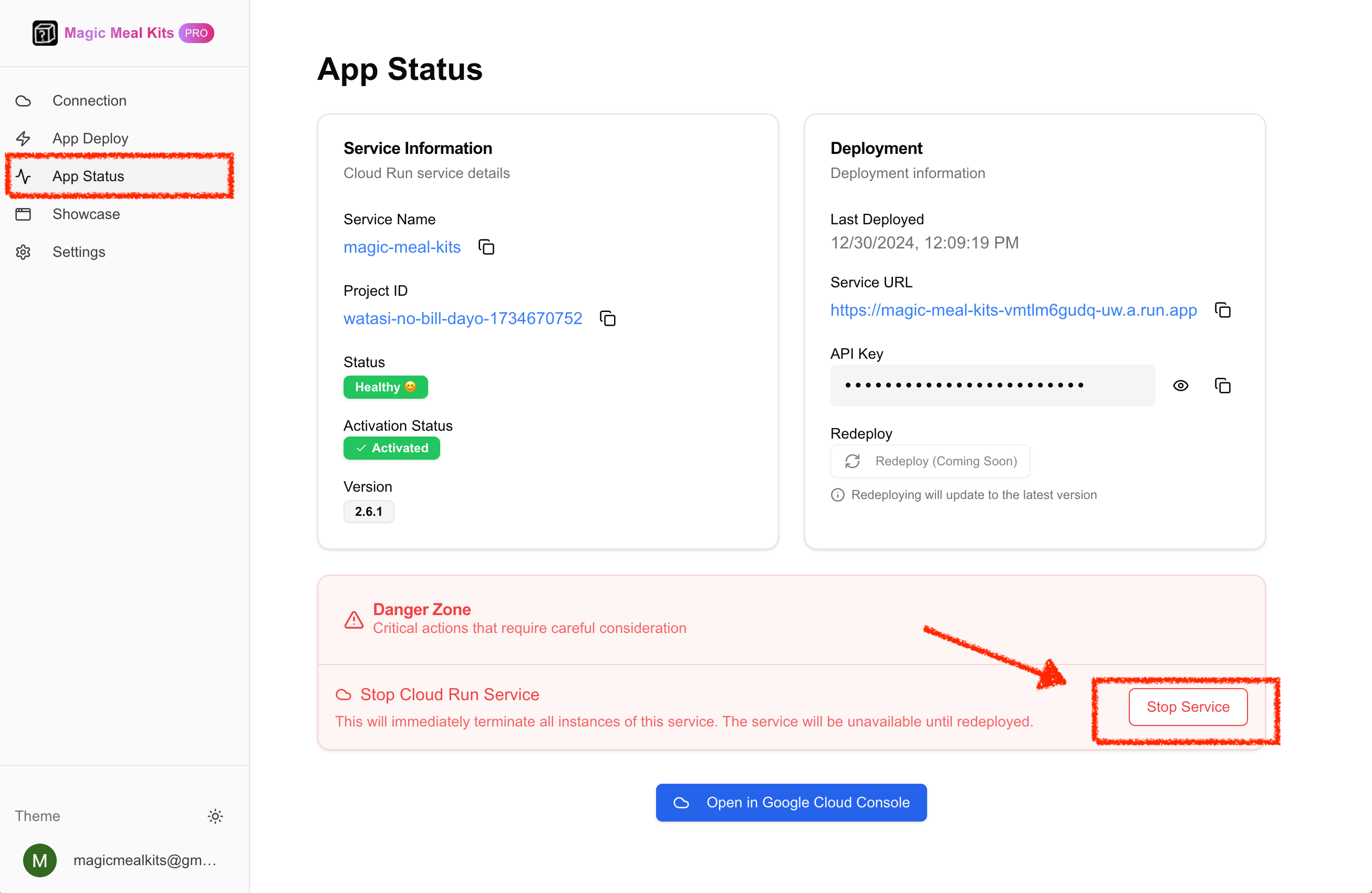 Click **Stop Service** and type `magic-meal-kits` to confirm. The service stops.
 ## Reinstall the service
The service can be installed again at any time — reinstall from
[make.magicmealkits.com](https://make.magicmealkits.com) (see the full
[installation guide](/installation)).
**Reinstalling requires a healthy Google Cloud billing account.** If your billing has an
issue, the install will fail — fix the billing problem first, then reinstall. If you can't
verify the billing status, the cleanest path is to **fully delete and reinstall** after
fixing billing. See [Troubleshooting](/troubleshooting) for billing details.
**After reinstalling, give it 20–30 minutes — don't redeploy repeatedly.** A freshly
reinstalled server may return `503` (cold start) or `429` (rate exceeded) for a while.
This is normal warm-up and usually clears on its own; repeatedly redeploying does not speed
it up.
## Still stuck?
If a reinstall keeps failing after you've confirmed billing is healthy,
[contact support](https://open.kakao.com/me/pureugong) with your account email and a short
description of what you're seeing.
## Reinstall the service
The service can be installed again at any time — reinstall from
[make.magicmealkits.com](https://make.magicmealkits.com) (see the full
[installation guide](/installation)).
**Reinstalling requires a healthy Google Cloud billing account.** If your billing has an
issue, the install will fail — fix the billing problem first, then reinstall. If you can't
verify the billing status, the cleanest path is to **fully delete and reinstall** after
fixing billing. See [Troubleshooting](/troubleshooting) for billing details.
**After reinstalling, give it 20–30 minutes — don't redeploy repeatedly.** A freshly
reinstalled server may return `503` (cold start) or `429` (rate exceeded) for a while.
This is normal warm-up and usually clears on its own; repeatedly redeploying does not speed
it up.
## Still stuck?
If a reinstall keeps failing after you've confirmed billing is healthy,
[contact support](https://open.kakao.com/me/pureugong) with your account email and a short
description of what you're seeing.