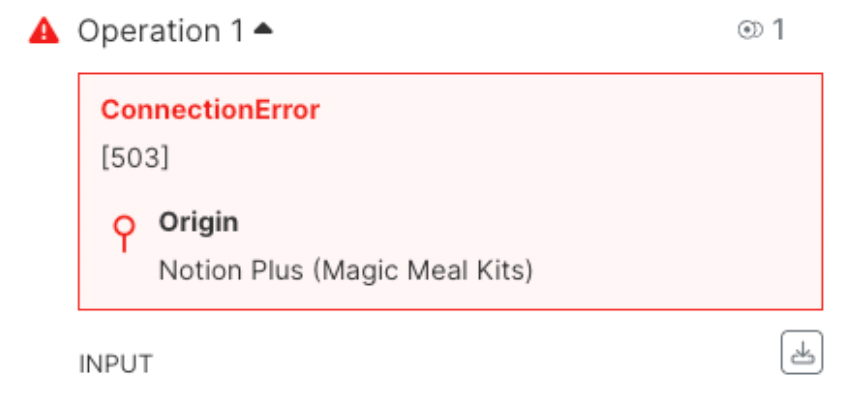
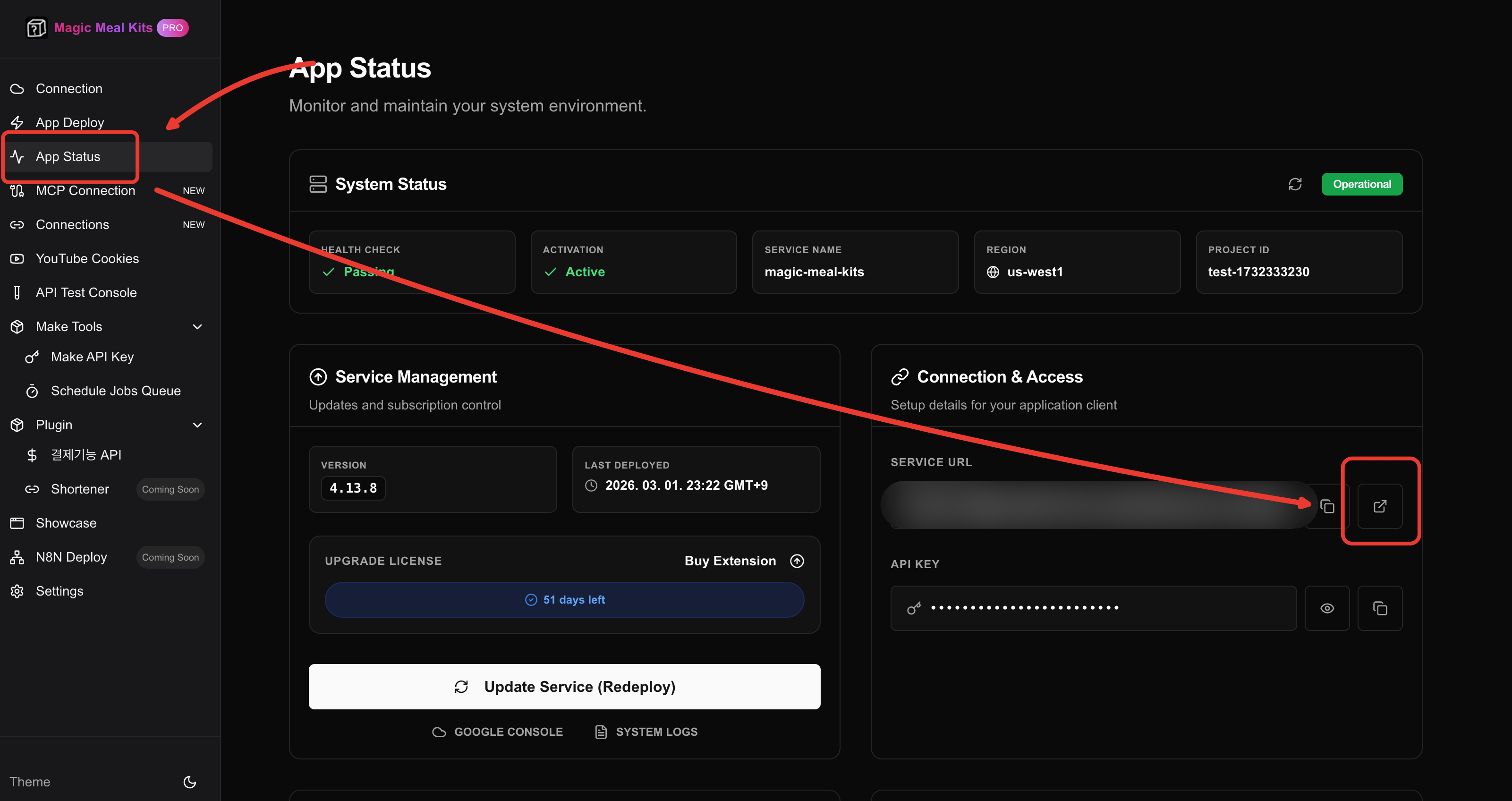
Use this when Make.com scenarios keep failing with 503 from Magic Meal Kits modules — force-reactivate the server from the App Status page.
When your Magic Meal Kits modules in Make repeatedly return 503, the link between Make
and your server has dropped. Forcing the server to re-activate from App Status restores
it.
Symptom: A Make scenario keeps failing on a Magic Meal Kits module with a 503
error, and retrying doesn’t help — the errors repeat. This means your server is
temporarily unreachable.
Find the Magic Meal Kits server entry and click it.
3
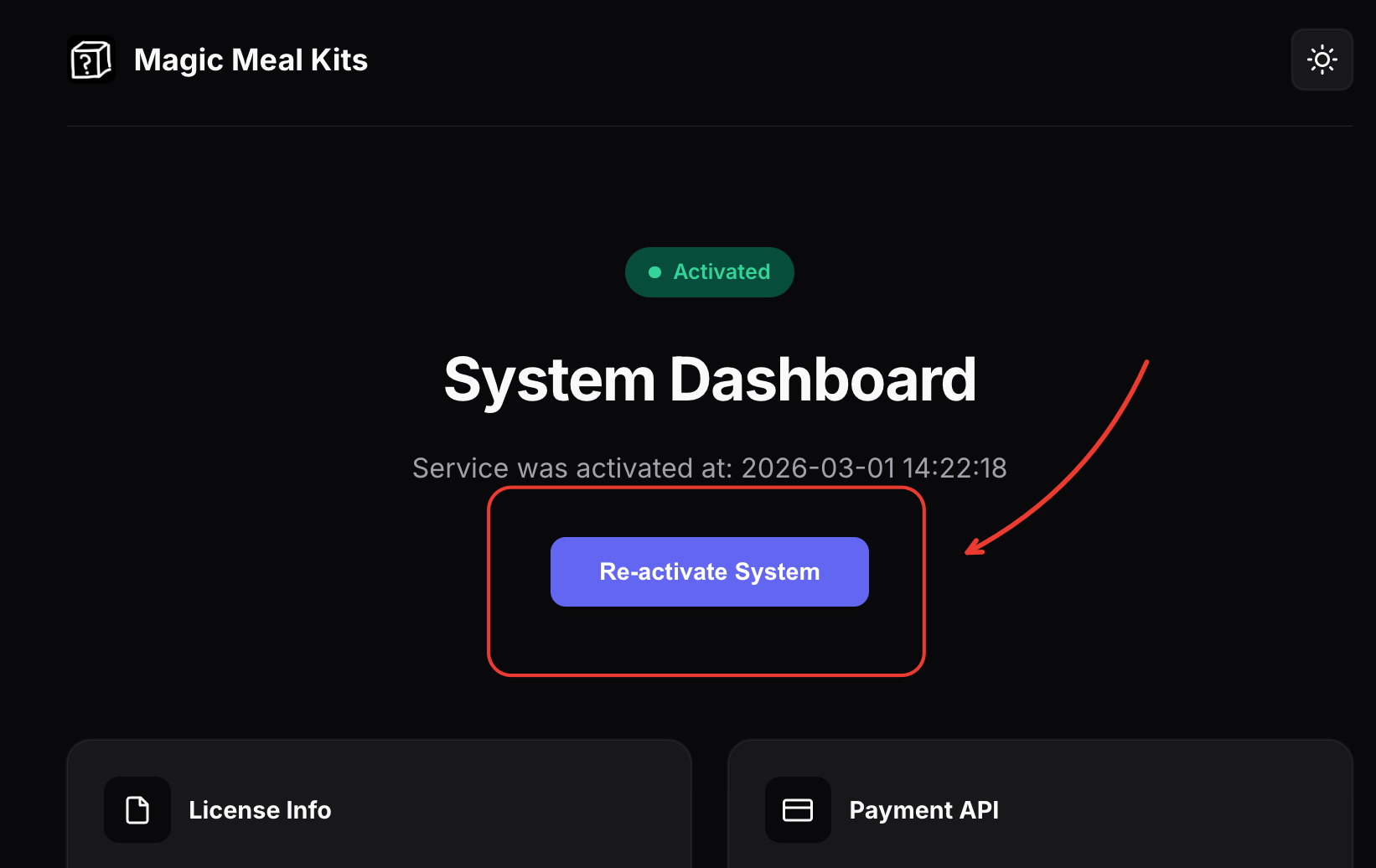
Click Activate
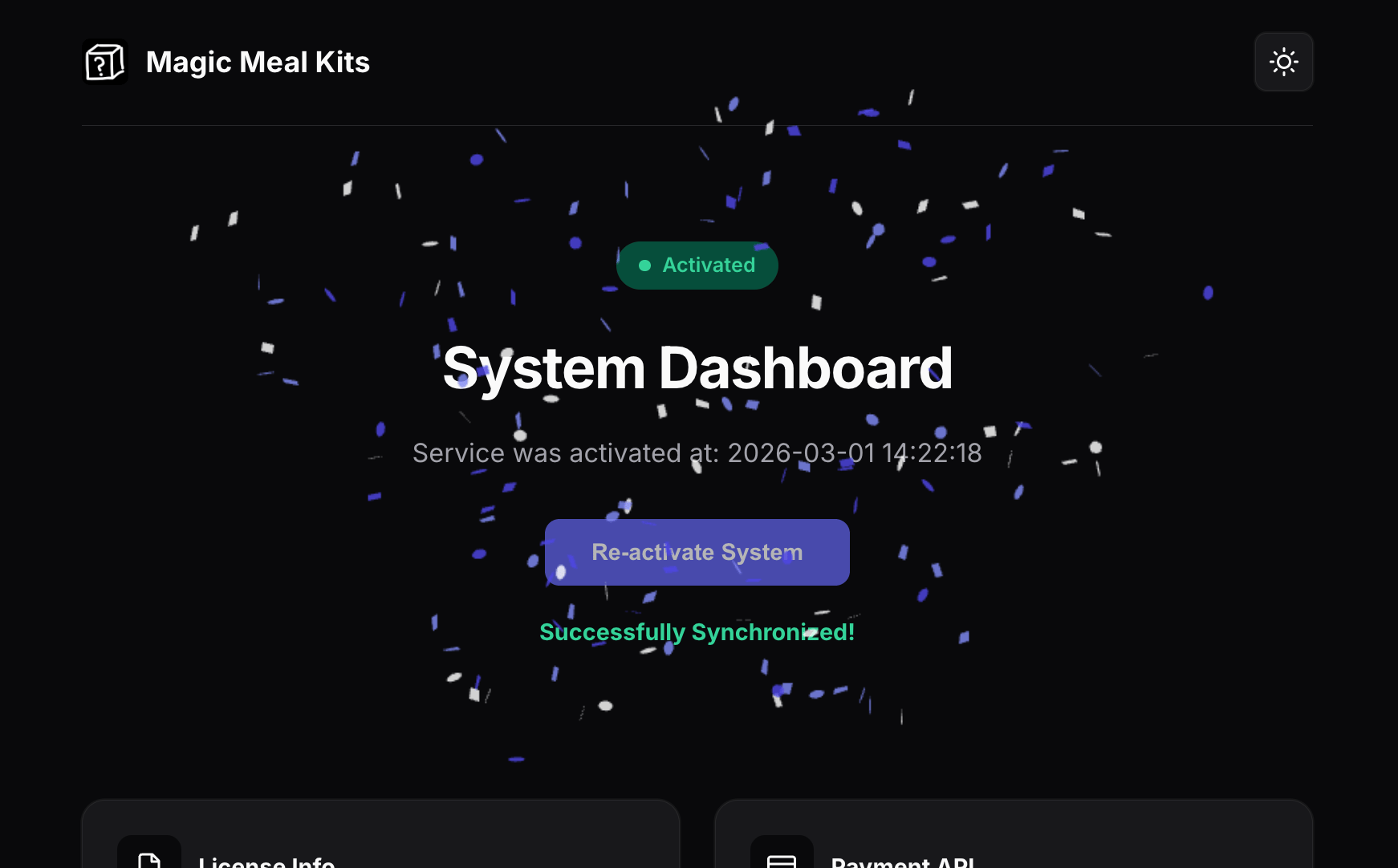
Click Activate to force the server connection to re-activate. This clears the 503
errors.
After re-activating, give it a moment and re-run your scenario. If 503s persist for more
than a few minutes, the server may still be warming up — see
Troubleshooting for cold-start behavior, or
upgrade the memory tier if the errors coincide with
heavy load.
If the errors continue after re-activating, contact support and include your account email
and a short description of the symptom: Contact 푸르공 on KakaoTalk.
For a faster diagnosis, attach your system logs.